Table of Contents
If you’ve ever tried to localize a video for another language, you already know the pain: it’s time-consuming, it gets expensive fast, and the final result rarely sounds “on purpose.” I tested AI Dubbing and Video Translator specifically to see if it could make dubbing feel simpler without turning everything into robotic audio. What I noticed right away is that the workflow is built for creators who don’t want to babysit ten different tools.
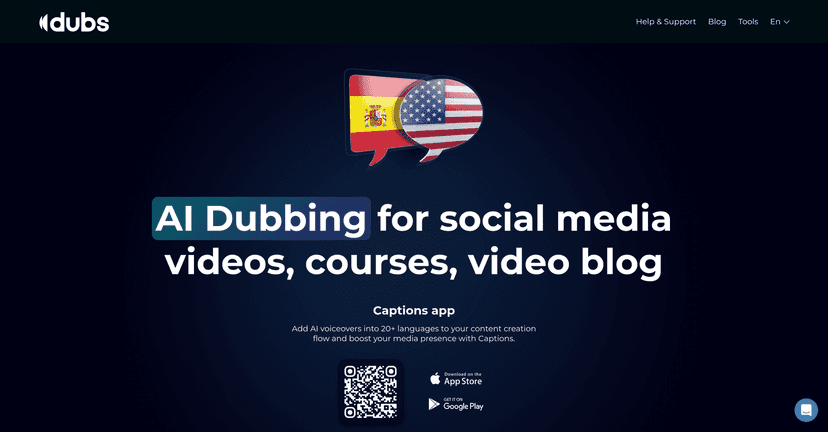
AI Dubbing Review
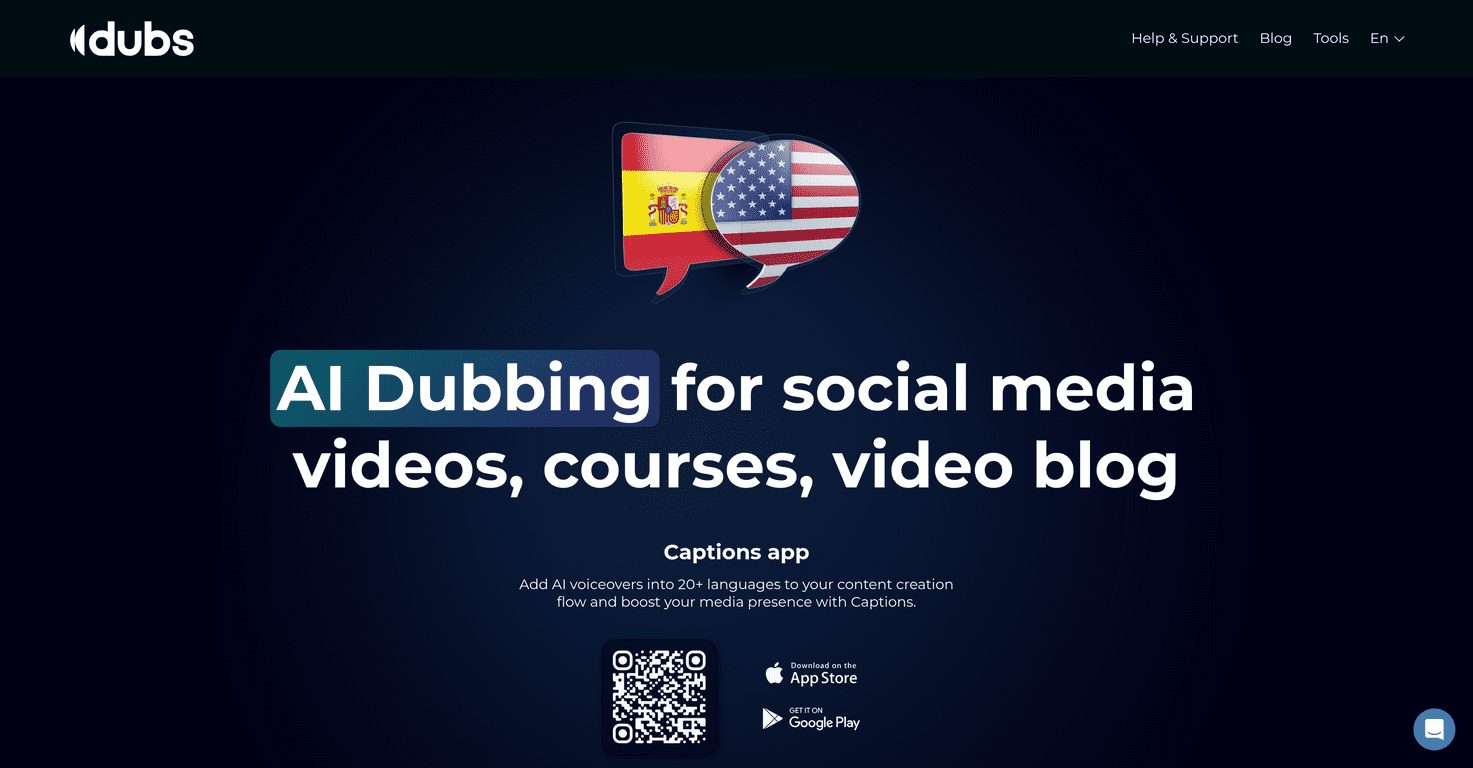
AI Dubbing and Video Translator is aimed at one thing: getting your videos into more languages without the usual headache. The big selling point is its AI voice replication approach, which (in my tests) does a pretty convincing job of keeping the original energy. It’s not just “translated text turned into speech.” The voiceover is meant to reflect the speaker’s tone and delivery so the result feels more natural to viewers.
Another detail that matters: the platform supports 28+ languages and dialects. That’s the difference between “we can do a couple regions” and “we can actually test international growth.” I like that you can pick target languages and keep moving instead of getting stuck in planning mode.
As for the process, it’s straightforward. I uploaded a video, selected the languages, and then made a few small adjustments before exporting. The interface doesn’t feel like it’s trying to teach you dubbing from scratch. You’re not hunting for settings every two minutes.
They also bundle useful extras that creators usually end up doing separately—like subtitle generation and video compression. For someone publishing on YouTube or social platforms, that’s a real time-saver. Compression especially matters if you’re trying to keep file sizes reasonable while maintaining decent quality.
Key Features
- AI Voice Replication for more authentic voiceovers (aimed at matching tone and delivery)
- Multilingual support for 28+ languages and dialects
- Creator-friendly workflow that doesn’t require special dubbing skills
- Quick upload + edit steps so you can go from source video to export without a long setup
- Extra localization tools like subtitle generation, video script creation, teleprompter, and video compression
One thing I appreciated: the “all-in-one” angle. When a tool also helps with captions and compression, you don’t have to bounce between editors just to get a publish-ready file. That’s not glamorous, but it’s what actually saves time.
Pros and Cons
Pros
- Better accessibility for non-English speaking audiences (you’re not just relying on subtitles)
- Potentially higher engagement since viewers can listen in their native language
- Time savings compared to traditional dubbing workflows that involve casting, recording, and revision rounds
- Natural-sounding voiceovers for most everyday creator content (talking-head videos especially)
Cons
- Live human speech subtleties can be missed—you may still hear slightly “AI-ish” cadence depending on the source
- Personal touch: if your brand relies heavily on a specific voice actor vibe, AI voice replication might not feel identical
- Not every genre is perfect. Fast dialogue, heavy emotion, or very stylized performances may need extra tweaking or multiple passes
To be blunt: if you want the exact feel of a professional human dubbing session, you might still prefer hiring voice talent. But if your goal is to ship localized versions quickly (and test markets), this tool is built for that.
Pricing Plans
For detailed pricing information, it is best to visit the Captions app website directly.
If you’re trying to decide whether it’s worth it, I’d suggest comparing the cost of one localized upload versus the time you’d spend doing it manually. For a lot of creators, the real value is turning “localization” from a big project into a repeatable habit.
Wrap up
Overall, AI Dubbing and Video Translator is a practical way to make your videos more accessible in other languages without turning your production process into a second job. The combination of voiceover dubbing, subtitle generation, and video compression is what makes it feel genuinely useful for publishing workflows.
There are limitations—no AI will perfectly replace human performance in every case—but for most creator content, the results are good enough to test international audiences and keep your output consistent. If you’re sitting on content you’d love to share globally, this is one of the easier ways to get there.
Promote AI Dubbing