Table of Contents
If you’ve ever tried to draw a clean flowchart or an ER diagram by hand, you already know the struggle. It’s not just the time—it’s the back-and-forth. You add one box, then suddenly the whole layout feels messy. That’s why I was curious about the AI Diagram Generator Chrome extension.
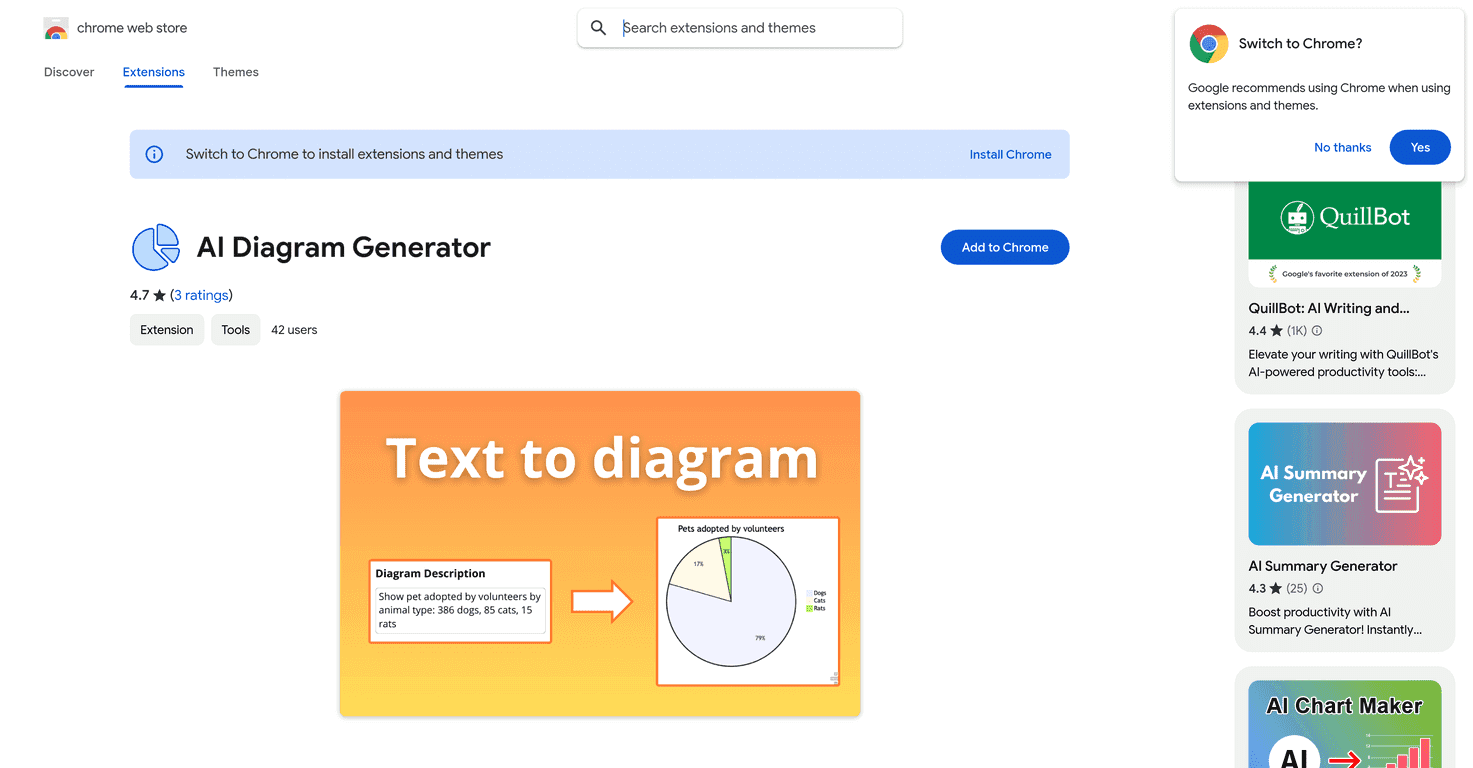
In my experience, this tool really does speed things up. You type what you want (in plain English), pick the diagram type, and it generates a visual representation without you having to drag every shape into place manually. I tested it with a few different diagram styles, and the results were surprisingly usable for getting started quickly.
AI Diagram Generator Review: Fast Diagrams Without the Headache
The AI Diagram Generator is mainly built for one thing: turning text into diagrams quickly. If you’re working on flowcharts, ER diagrams, sequence diagrams, or state diagrams, you can skip a lot of the manual setup. I like tools like this for brainstorming—because once the first draft exists, it’s much easier to refine.
Here’s what stood out most when I used it. The extension uses generative AI to translate a plain-text description into a structured diagram. So instead of starting with empty boxes, you can describe the process like you’d explain it to a coworker. Then it builds the visual representation for you.
It also supports multiple diagram types. In my tests, it handled common formats like:
- Sequence diagrams
- State representations (with transitions)
- ER diagrams for database-style projects
- Data flow charts
- AI network diagrams
- Tree schemes and system schemas
Now, I’ll be honest: the quality depends heavily on how you prompt it. If your input is vague (“make a diagram of a system”), you’ll get something generic back. But if you include the key entities, steps, and relationships (even in rough bullet points), the output is a lot more on-target.
There’s also a bit of a learning curve—not because it’s hard to use, but because you have to figure out what level of detail it needs. Once you get the hang of it, though, it’s noticeably faster than drawing from scratch. That’s the real win here: less time formatting, more time improving the actual idea.
Key Features I Actually Used
- Generative AI diagrams from text — describe the process and it turns it into a visual layout.
- Flowchart maker that moves quickly — great for drafts when you don’t want to wrestle with shapes.
- Sequence diagram generator — useful when you want to show interactions step-by-step.
- State representation generator — handy for mapping states and transitions without drawing everything manually.
- ER diagram generation — useful for database projects where you want entities and relationships quickly.
- Multiple diagram types — it can also do things like data flow charts, AI network diagrams, and other structured diagram styles.
Pros and Cons (Real Talk)
Pros
- It saves time. I didn’t spend 30–45 minutes just aligning boxes and connectors. The first draft comes fast.
- It’s easy to get started. You don’t need to be a diagram expert to produce something decent.
- Lots of diagram types. It’s not just flowcharts. If you need sequence diagrams or ER diagrams, you’re covered.
- Good for brainstorming. When you’re exploring options, generating a diagram quickly helps you think clearer.
Cons
- Diagram quality depends on your input. If your description is missing steps or relationships, the diagram won’t magically fill in the gaps.
- You may need a couple tries. I found myself tweaking the text prompt to get cleaner structure and better labeling.
- Best for drafts, not always “final” output. For presentations or documentation, you might still want to edit for clarity and formatting.
Pricing Plans
The AI Diagram Generator is free to install and use, which is honestly a big reason to try it. If you’re testing diagram ideas or creating class/work drafts, you can do it without worrying about paywalls or surprise fees.
Wrap up
Overall, I think the AI Diagram Generator is a solid option when you need diagrams quickly and don’t want to start from a blank canvas every time. It’s especially helpful for students, freelancers, and anyone who regularly turns messy notes into something visual. Just remember: if you want better diagrams, give it better input. After that, it’s a pretty convenient shortcut.
Promote AI Diagram Generator




