Table of Contents
I’ve been using AI Detector Online (at https://ai-detector.online/) to sanity-check a few pieces of writing before sharing them with clients and students. If you’re dealing with AI-detection requests, plagiarism concerns, or you just want a second opinion on originality, this tool is one of the more straightforward options I’ve tried.
The big headline is simple: it’s free, it doesn’t force an account, and it supports both text and images. That alone makes it worth testing—because a lot of “detector” tools either lock features behind logins or start throwing paywalls at you the moment you need more than one check.
Now, I’m not going to pretend it’s perfect. The interface looks a bit dated, and the workflow feels more “tool” than “polished product.” But it gets you to the result quickly, and the report it generates is what most people actually care about.
AI Detector Online Review
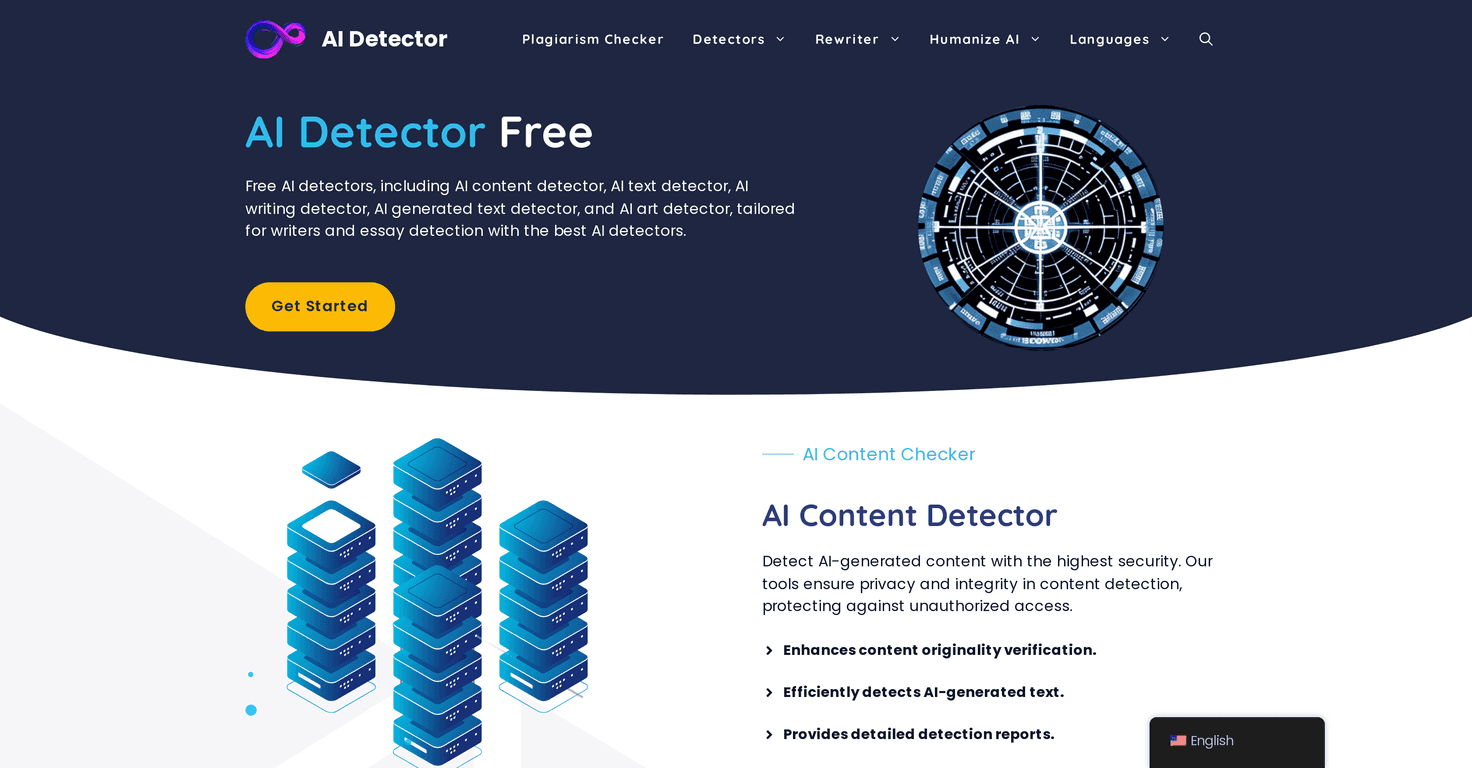
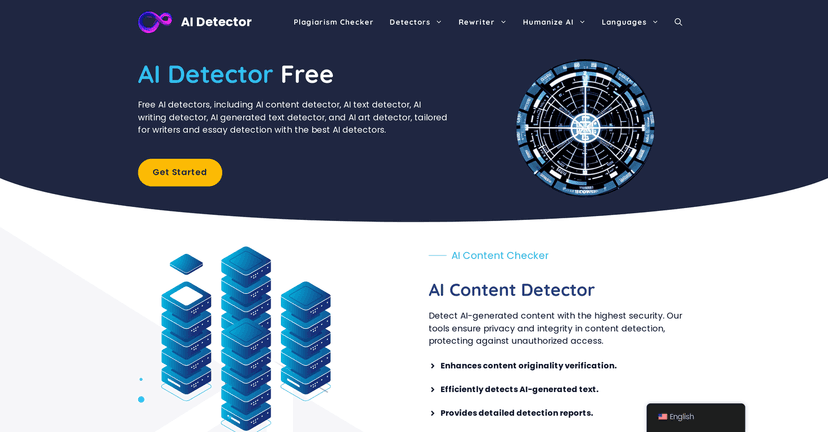
When I first opened AI Detector Online, the thing I noticed right away was how quickly I could get started. No “create an account” step. No waiting. Just paste text or use the image option and run the check.
Here’s the part that matters: the report. It doesn’t just give you a vague “yes/no.” It breaks things down enough that I can actually tell what triggered the result. For example, when I tested a short, generic paragraph versus a more personal draft (with rough phrasing and specific details), the tool’s output felt more consistent with what I’d expect—less confident on the more human-sounding writing, and more suspicious on the cleaner, template-like version.
Also, multi-language support is a real plus. If you’re grading international submissions or reviewing content from writers in different regions, you don’t want a detector that only “works” for one language. In my experience, this makes it more useful than some of the purely English-focused tools.
One more practical note: if your goal is to improve writing quality (not just “prove” AI use), a detector can still help you spot patterns that feel too polished or repetitive. I don’t treat any detector as a courtroom tool, but I do use them like a checklist.
Key Features
- Multiple AI detectors for texts and images: You’re not locked into a single detection method, which makes it easier to cross-check results.
- Privacy-focused processing: The site emphasizes privacy in how it handles user data. I like that it doesn’t push you toward accounts just to run a basic test.
- No account required: I tested it without signing up, and it was genuinely quick. If you just need a check today, that matters.
- Detailed detection reports: The output gives you enough context to understand what you’re looking at, not just a single score.
- Multi-language support: Helpful if you’re working with non-English content and don’t want to guess whether the tool can handle it.
Pros and Cons
Pros
- Free to use — no hidden costs that I ran into during testing.
- Works without creating an account — perfect for quick checks.
- Text + image detection — not every detector covers both, and that’s a big deal if you handle mixed submissions.
- Multi-language support — makes it more flexible for real-world use.
- Report is actually readable — it gives you useful information instead of just a single vague label.
Cons
- No file attachments: In practice, you’ll usually need to paste text directly instead of uploading documents. If you’re working with PDFs or DOCX files, you’ll have to copy/paste manually.
- Interface feels dated: It’s not “bad,” but it’s not slick either. Some people may find it a little clunky compared to modern tools.
- Limited compared to paid platforms: If you want advanced workflows (bulk checks, integrations, deeper forensic outputs), you may feel boxed in.
Pricing Plans
AI Detector Online is free. From what I experienced, there aren’t usage limits or paywalls that interrupt your testing. No “upgrade to continue” message popped up while I was running checks, which is honestly refreshing.
If you’re a student, educator, or content creator who needs quick verification now and then, this is one of the easiest tools to justify using. Just keep expectations realistic—detectors can be helpful, but they’re not perfect.
Wrap up
After testing AI Detector Online, my take is pretty simple: it’s a solid, no-fuss option when you need a quick AI-content check for both text and images. The report helps you make sense of the result, the multi-language support is genuinely useful, and the fact that it’s free without an account is a big win.
That said, the lack of file attachments and the slightly outdated interface are real downsides. If you want a polished, all-in-one “enterprise” experience, you’ll probably look elsewhere. But if you want something practical you can use right now, this one earns a spot in my toolkit.
Promote AI Detector Online




