Table of Contents
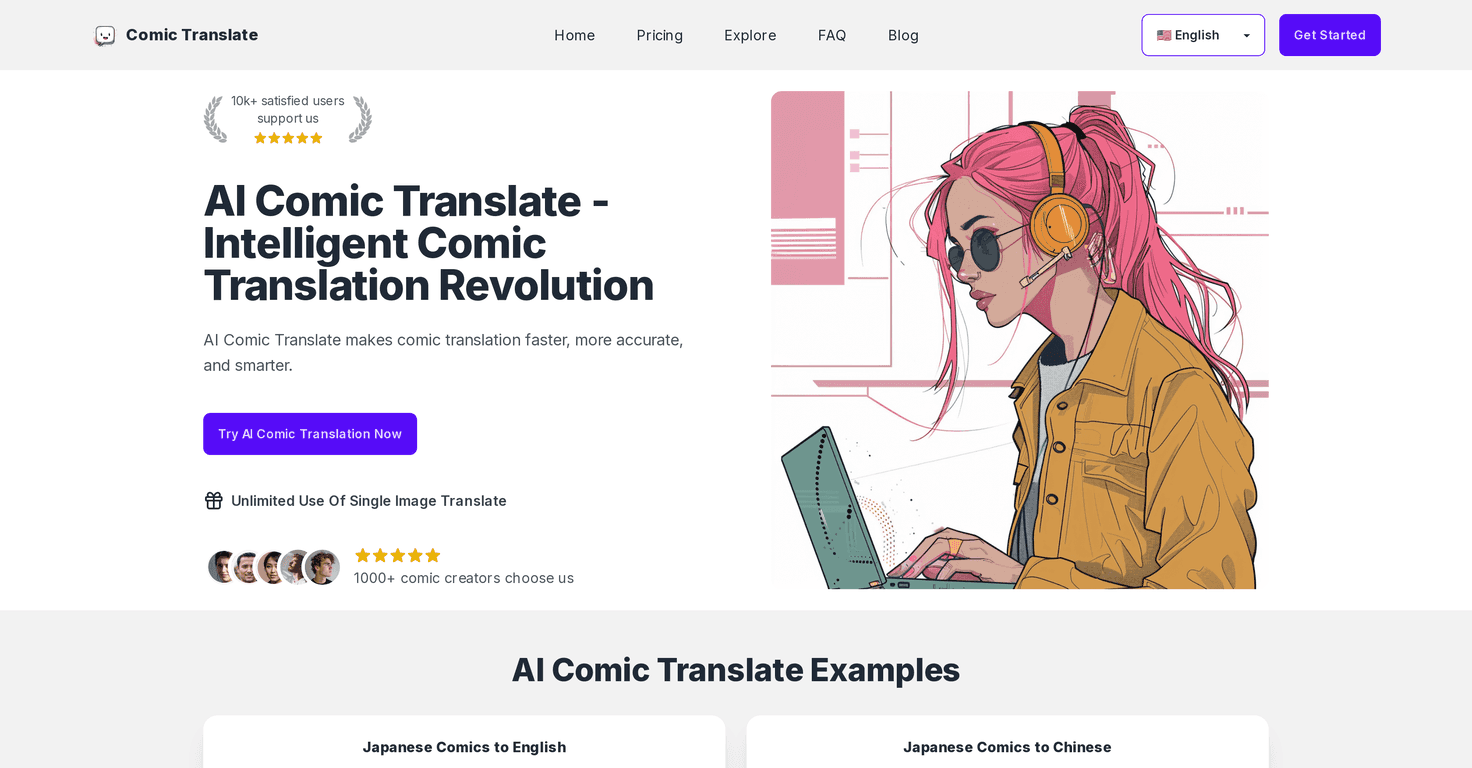
If you’re anything like me, you probably hit that moment while reading manga or webcomics where you think, “I get the vibe… but I really want the actual words.” That’s where AI Comic Translate comes in. I tested it on a mix of comic pages and panels, and what I liked most is how quickly it turns an image into readable translated text—without making you jump through a bunch of technical hoops.
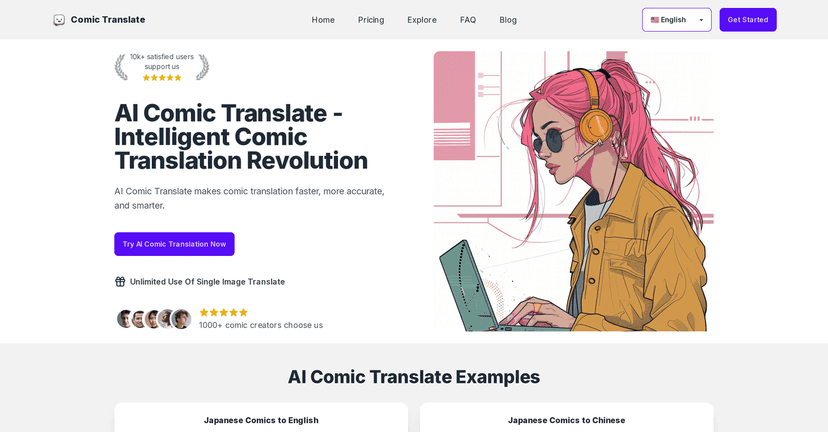
AI Comic Translate Review
AI Comic Translate is built for people who want translated comics fast—readers, casual fans, and creators who don’t want to pay (or wait) for a full manual translation every time. When I uploaded a page with a few speech bubbles and some narration text, the tool handled the layout well enough that I could actually follow what was going on. That might sound obvious, but a lot of “image-to-text” tools fall apart when the text is small, tilted, or packed tightly into bubbles.
What really stood out to me is the overall workflow. I didn’t feel like I had to be a tech person to get results. You upload, choose what you’re translating, and you get back something you can read without squinting. And if you’re translating recurring series (same characters, same terms), it’s the kind of tool that makes it easier to keep going rather than stopping every few pages.
Now, let’s be honest: AI translation isn’t magic. Some phrases can come out a bit literal, especially with slang or jokes that depend on context. But for getting the meaning quickly—especially when you just want to read and enjoy—the speed is a big win.
Key Features
- Cost-effective translations that can save you from paying per-page. If you’re translating for personal reading, this matters.
- Simple, intuitive interface—I didn’t have to hunt for the “right” button. It’s straightforward even if you’re not used to translation tools.
- Multi-language support so you can translate comics and manga across different languages and actually share them with friends.
- Batch processing for bulk uploads, which is great when you’re working on a whole chapter instead of a single page.
- Text recognition (OCR) for comic layouts. In my tests, speech bubbles and narration blocks were generally recognized without too much fuss.
- Community support for feedback and help. I like having somewhere to check if others are seeing the same quirks with certain comic styles.
Pros and Cons
Pros
- Fast results. The turnaround is quick enough that it doesn’t kill your reading momentum.
- Solid accuracy for the average page. Most of the time, I could understand the scene without needing to re-run everything.
- User-friendly setup. It’s easy to start, even if you’ve never used an OCR/translation platform before.
- More affordable than hiring a translator for every single comic page—especially if you’re doing personal projects or fan translations.
- Helpful community. When you’re dealing with different fonts and bubble styles, it’s nice to see what others are doing.
Cons
- Free plan credit limits. The free tier gives 3 credits, so you’ll likely hit the cap quickly if you’re testing multiple pages.
- Some advanced features aren’t fully ready. For example, Epub/PDF processing is still listed as under development, so right now you may be sticking more to images.
- Refund policy feels strict. If you’re the type who needs guarantees before paying, this could be a deal-breaker—especially since translation quality can vary by image clarity and text density.
Pricing Plans
Here’s how the pricing breaks down based on what’s currently listed:
- Free Plan: 3 credits for limited features. If you just want to try one or two pages, it’s enough to get a feel for the quality.
- Pro Plan: $14.99/month for 50 credits. In my opinion, this is the “most people” option if you’re translating regularly but not doing it professionally every day.
- Enterprise Plan: $26.99/month for 100 credits, aimed at more serious creators who need more volume and stronger translation output.
One practical tip: credits go faster than you think if you’re uploading multiple variations of the same page. If you can, try to upload the clearest version you have first—higher resolution and less blur usually means better recognition and fewer re-tries.
Wrap up
Overall, I think AI Comic Translate is a solid option if your goal is simple: read comics across languages quickly without paying for a full human translation every time. It’s easy to use, it supports batch uploads (which is a huge time-saver), and the output is generally good enough to keep you moving through a chapter.
Just go in knowing the limitations—small text, heavy stylization, and super context-dependent jokes can still trip up any AI. Still, for the speed and convenience, it’s one of those tools I’d actually keep bookmarked.
Promote AI Comic Translate