Table of Contents
If you’ve ever thought, “I wish I could turn this anime idea in my head into an actual image,” AI Anime Generator Cloud is worth your time. I tested it with a few different prompt styles, and what I noticed right away is that it’s genuinely easy to get started—no messy settings, no complicated steps. Just type, hit Generate, and you get anime-style visuals back.
That said, it’s not magic where any random sentence instantly becomes a masterpiece. The results depend a lot on how specific you are. Still, the best part is how fast you can iterate. I’ll write a prompt, generate, then tweak one detail (hair color, outfit, lighting, camera angle) and re-run. Within a couple tries, you start seeing your intent come through more clearly.

AI Anime Generator Cloud Review
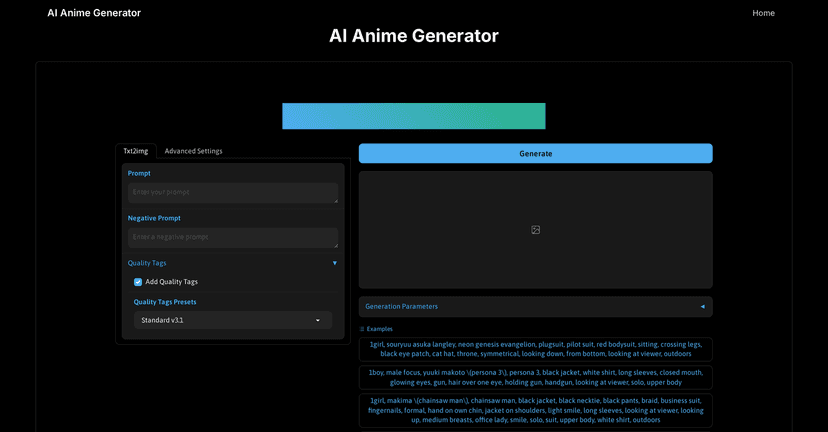
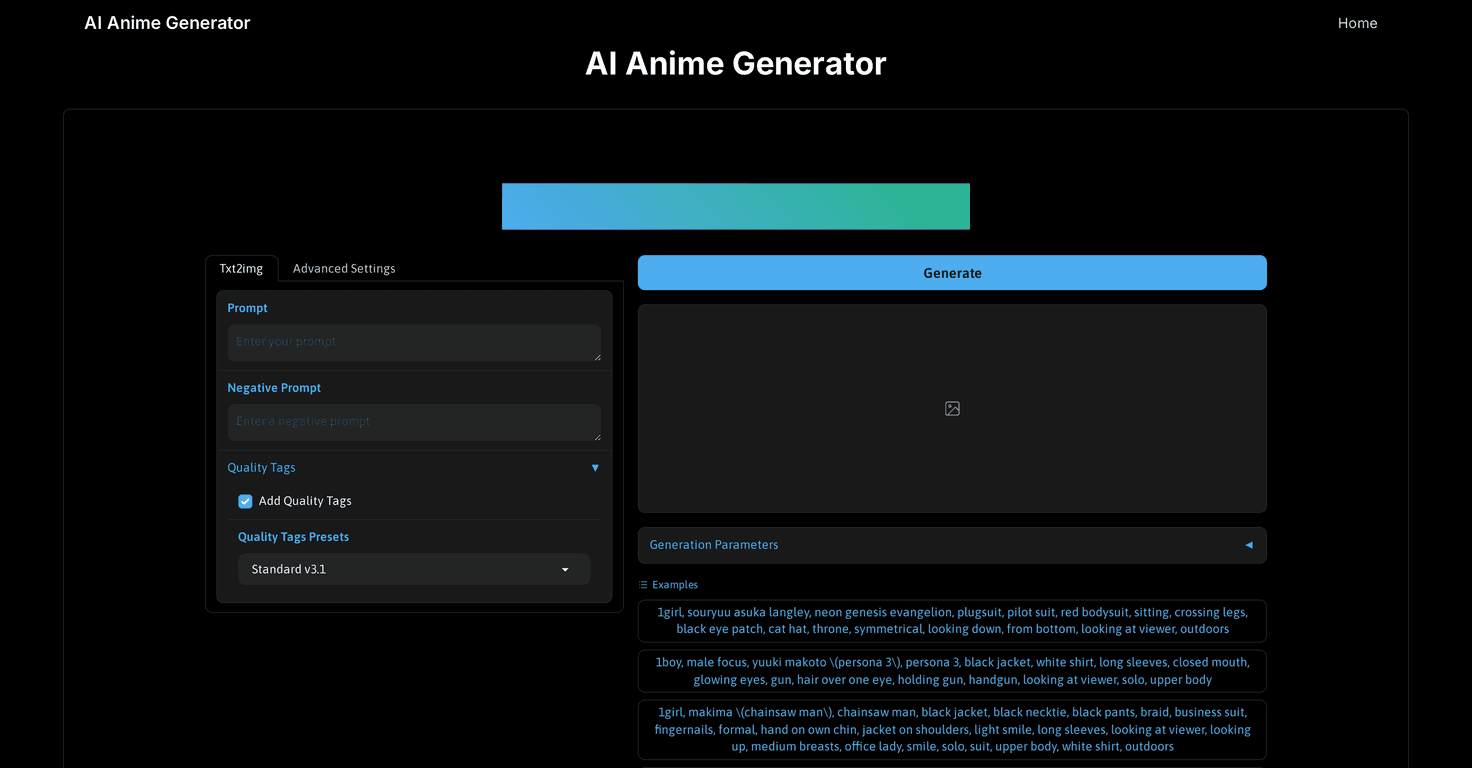
The AI Anime Generator Cloud is basically a quick “prompt in, anime art out” tool. The interface is simple enough that I didn’t feel like I needed a tutorial. I just described a character and a scene, then watched the generator produce images.
In my experience, the biggest factor is prompt quality. If you write something vague like “anime girl in a cool outfit,” you’ll get something… but it might not match your vibe. If you add specifics—like “night city street, neon signs, rain, long black hair, red hoodie, cinematic lighting, 3/4 angle”—the output tends to feel more intentional.
Also, it’s nice that there are example prompts available. When I’m stuck, I’ll copy an example prompt, change one or two details, and generate again. That’s honestly one of the fastest ways to learn what the tool responds to.
Key Features
- Free Access — you can try it without paying upfront, which makes experimenting way less stressful.
- User-Friendly Interface — you’re not fighting menus. Describe → generate → review. That’s it.
- Example Prompts for Better Results — these give you a starting point, especially if you’re not sure how to phrase things.
- Visualization of Generated Images — you can see what you got right after generating, so you can tweak and rerun quickly.
Pros and Cons
Pros
- Fast and easy workflow: I could get a usable result in just a few minutes. No setup, no complicated controls.
- Free service: If you’re just testing ideas or building a character concept, this is a great entry point.
- Example prompts actually help: They’re not just filler. They teach you the kind of details the model seems to respond to (like lighting, environment, and character traits).
Cons
- Results vary with prompt quality: If your description is too general, the generator won’t magically fill in the gaps. You’ll probably need a few iterations.
- Consistency isn’t guaranteed: Even when I kept the same character idea, small changes in wording sometimes led to noticeably different outfits or backgrounds. It’s great for exploration, but not always perfect for “repeatable” character generation.
Pricing Plans
The AI Anime Generator is available completely free, which is honestly the biggest selling point for me. It makes it easy to test different styles—character portraits, action scenes, or more detailed environments—without worrying about hitting a paywall.
That said, since it’s free, you should expect the usual AI-tool tradeoffs: you may need to refine prompts a few times before you get something you’d actually want to save.
Wrap up
Overall, I think AI Anime Generator Cloud is a fun, beginner-friendly way to turn anime ideas into images. The interface is straightforward, the free access makes experimentation painless, and the example prompts give you a real foothold when you don’t know what to type.
If you’re the kind of person who enjoys tweaking details—hair, outfit, mood, lighting, camera angle—you’ll probably get a lot of mileage out of it. Just don’t expect every prompt to land perfectly on the first try. That’s part of the process, and once you get the hang of describing what you want, it gets addictive.