Table of Contents
If you’ve ever tried to understand a big repo—especially one with a few years of commits—you already know the feeling. You open a file, follow a function call… and then suddenly you’re 20 tabs deep wondering how the code even fits together. That’s why I was interested in Devgen.
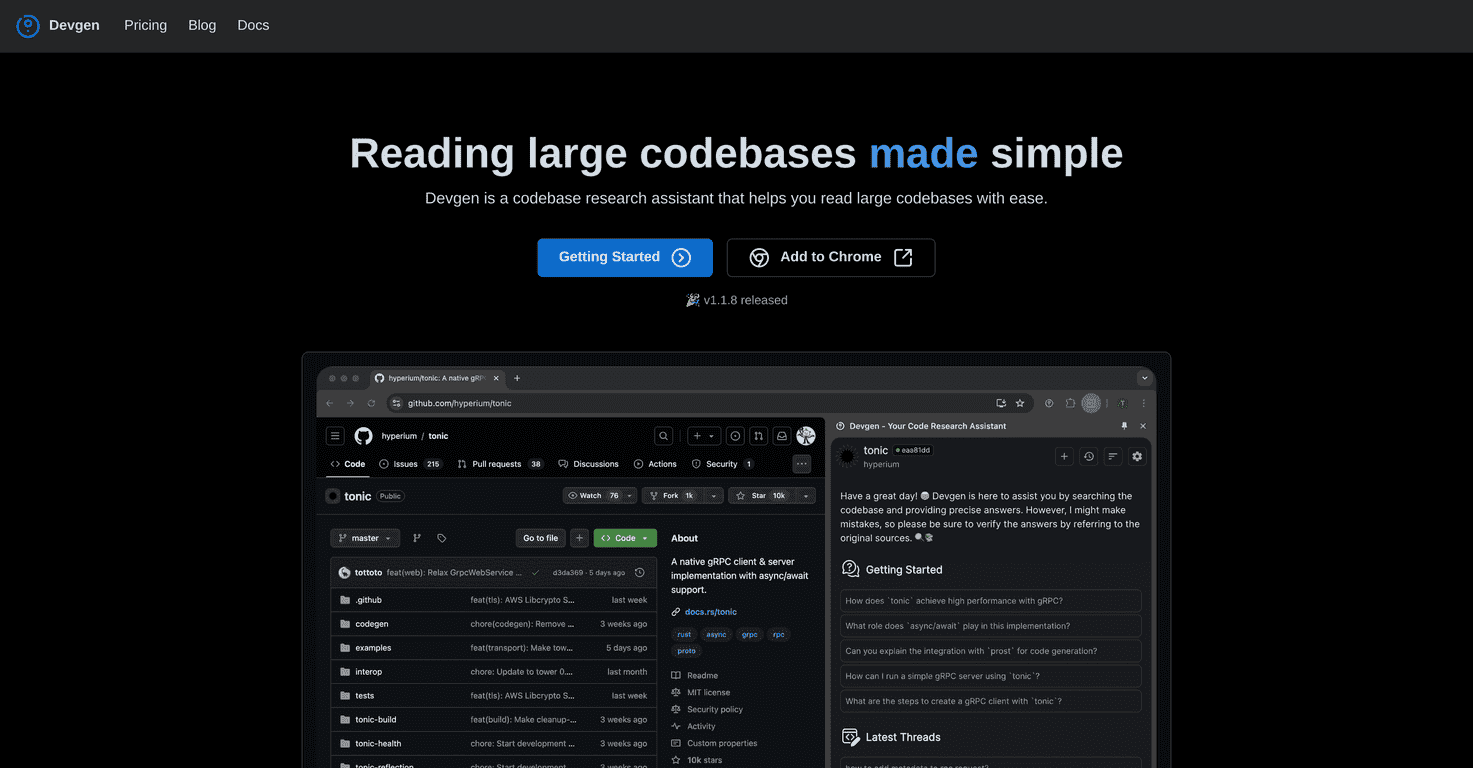
Devgen positions itself as a codebase research assistant. In practice, what I liked is that it tries to answer “what does this do?” questions in plain language, instead of forcing you to mentally translate everything from scratch. The interface is built around chat, so you can ask follow-ups without constantly restarting your research.
One thing I noticed right away: it’s especially handy when you’re looking at GitHub activity—issues, pull requests, and commits—because you can ask questions in the same place you’re reviewing changes. Instead of bouncing between the PR description, diff, and a bunch of referenced files, you can keep the context in one conversation.
Now, I’ll be honest: no assistant magically makes a messy codebase “easy.” But if you’re trying to move faster through unfamiliar sections, having quick explanations and pointers can save a lot of time. And if you’re on a team, it can also help non-authors understand what changed and why.
Devgen Review: What It’s Like to Use as a Codebase Research Assistant
Devgen is built to help you read and understand code faster—especially when you’re dealing with large codebases. The promise is pretty simple: ask a question, get a useful answer, and spend less time hunting through unrelated files.
In my experience, the best moments are when the question is specific. For example, you might ask what a particular function does, or how a certain module interacts with another one. When you’re clear about the target (a file, function name, or the context from a PR), the responses tend to be more actionable.
The chat format matters too. Instead of treating each question like a brand-new prompt, you can keep asking “okay, but what about this part?” and build on the previous answer. That’s huge when you’re doing code review or onboarding to a new service.
And because Devgen is focused on GitHub workflows, it fits naturally into how teams already work. If you’re looking at an issue or PR and you want to understand the impact quickly, it’s a lot easier to ask follow-ups than to manually piece together the story from the diff alone.
Still, let’s not pretend it’s magic. If the repo is poorly documented, heavily refactored, or uses lots of indirection, you’ll still have to verify details in the code. I’d treat Devgen like a fast research assistant, not the final authority.
Key Features I’d Actually Use
- Quick Answers with code references: Instead of vague explanations, it’s meant to point you toward relevant parts of the code so you can confirm quickly.
- Learning code elements: I like tools that help you understand what a class/function/utility is for without making you read the entire file line-by-line.
- Efficient troubleshooting: When something breaks, you don’t always need a full deep-dive immediately—you need direction. Devgen aims to help you get to likely causes faster.
- Chat interface for GitHub issues, pull requests, and commits: This is the core workflow win. You can discuss changes in a conversational way instead of bouncing between tabs.
- Natural language processing for PRs and patches: Being able to review a patch in plain language is useful, especially during busy review cycles.
Pros and Cons (Realistic Take)
Pros
- Faster onboarding: It helps when you’re new to a repo and trying to understand “where things live” and “how pieces connect.”
- Better communication in code reviews: If you’ve ever had to explain the same context 5 times in a PR thread, you’ll appreciate tools that make the rationale easier to discuss.
- Context from issues and related PRs: Getting pulled toward relevant changes from the conversation is a practical time-saver.
- Lower barrier for non-specialists: It’s not just for hardcore devs. If someone’s learning the project, plain-language explanations can help them participate sooner.
Cons
- Likely still evolving (beta): If features are incomplete, you might hit limitations like narrower coverage, fewer integrations, or less consistent results depending on the repo.
- It can tempt you to skip the hard parts: If you rely on it too much, you might lose some hands-on understanding. I’d still read the actual code—at least the critical paths.
Pricing Plans
Pricing details can change, so I recommend checking the latest info directly on the Devgen pricing page on the website.
If you’re evaluating it for a team, I’d also look for anything that impacts real usage—like limits on queries, whether it supports multiple repositories, and how it handles private code or enterprise setups.
Wrap up
Devgen feels like a solid assistant for people who need to understand code faster—especially when your work revolves around GitHub issues and pull requests. It’s not going to replace reading the code, but it can cut down the time it takes to get oriented and ask better questions.
If you’re constantly onboarding to new services, doing reviews under time pressure, or just tired of digging through the same files, it’s worth a look. Just go in with the right mindset: use it to speed up research, then verify important details in the repo.
Promote Devgen