Table of Contents
If you’re trying to grow on social, you already know the grind: post consistently, reply to comments, answer the same questions 50 times, and still find time to create. So when I heard about Meta AI Studio, I was curious—could an AI character actually help without sounding robotic?
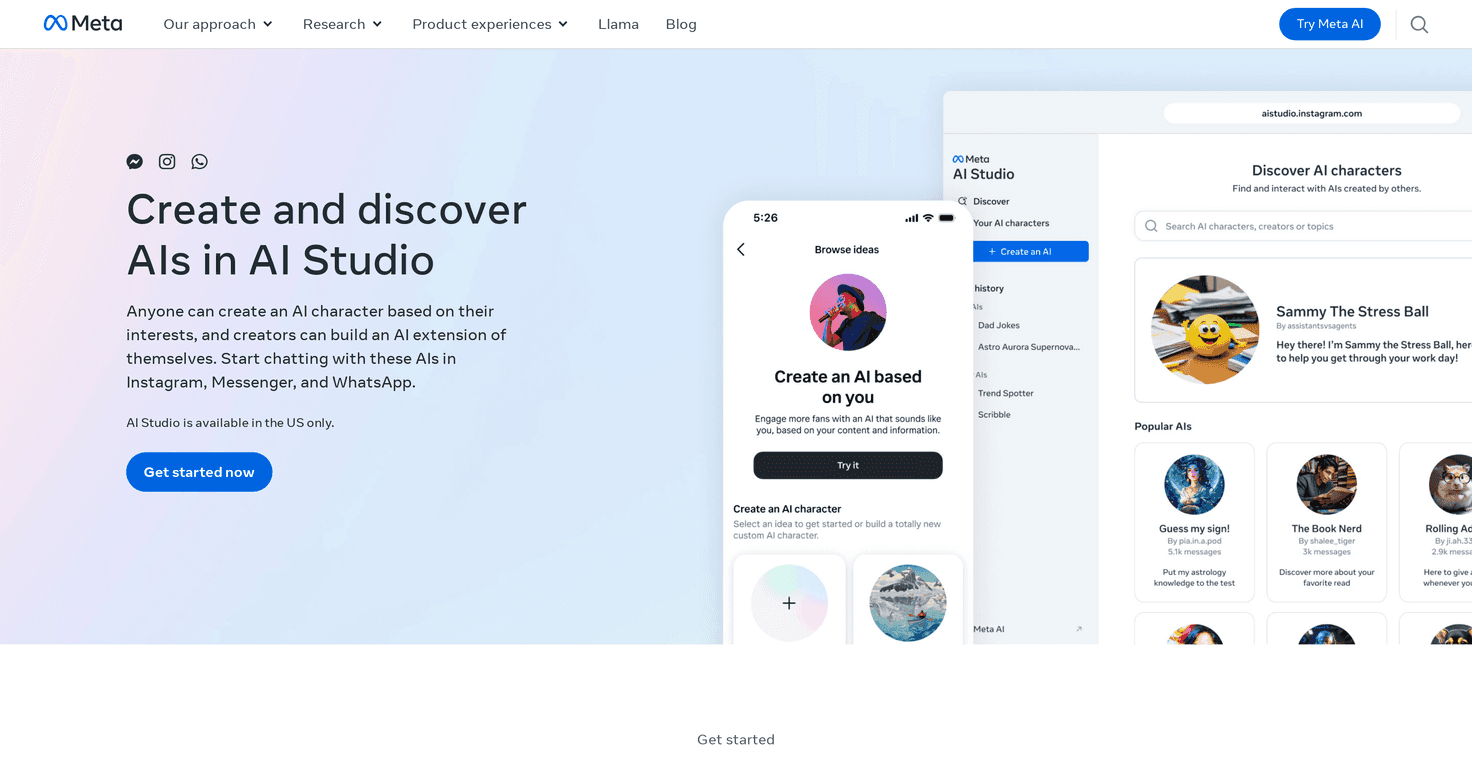
After spending time poking around the setup, here’s my honest take: Meta AI Studio is built for creators who want their own AI “persona” that can chat with fans in a way that feels closer to their brand. It’s not just a generic chatbot. The idea is that your Creator AI connects to your voice and the kind of conversations you want—think Instagram DMs, Messenger, and WhatsApp-style interactions.
Meta AI Studio Review
Meta AI Studio is meant for creators who want an AI character that feels like an extension of them. That’s the key difference I noticed right away: the Creator AI isn’t just “answer questions.” It’s supposed to carry your persona—your tone, your interests, and the kinds of conversations you’d actually have with your audience.
In my experience, the best use cases aren’t “replace me.” It’s more like: filter the basics, respond instantly, and keep people engaged while you’re busy making content.
For example, if you’re a fitness creator, your AI character can help with things like:
- “What program should I start if I’m new?”
- “Do you have meal ideas for 7 days?”
- “Can you explain the difference between X and Y?”
And if you’re a creator in a totally different niche—beauty, gaming, finance, music—the same idea applies. Give it the right personality and boundaries, and it can steer chats toward what you want to talk about.
That said, there’s a learning curve. Not everyone will jump in and immediately feel comfortable setting the character up. If you’ve never worked with AI tools before, you’ll probably spend some time figuring out what to write, what to avoid, and how to make responses sound like you. It’s not hard, but it’s not “instant magic” either.
Still, the possibilities are genuinely interesting. When it’s configured well, it can turn passive followers into active conversation starters. And who doesn’t want that?
Key Features
- Creator AI mirrors your persona
This is built to feel like an extension of the creator’s identity, not a generic assistant. - Customizable AI characters
You can shape the character to reflect your interests and the topics you actually care about. - Messaging platform integration
It’s designed for real-time conversations on popular Meta messaging channels, so it fits how people already talk. - Accessible for creators
You don’t need to be a developer to get started, which matters if you’re mainly focused on content.
Pros and Cons
Pros
- Personalization is the whole point
Once you set the character up with your voice and topic preferences, the conversations feel more “you” than “it.” - Faster engagement
People get responses quickly, even when you’re not online. That alone can help keep momentum. - Good for repeat questions
If your audience asks the same stuff constantly (links, pricing, availability, “how do I…?”), an AI character can handle a lot of that groundwork.
Cons
- There’s still a setup learning curve
If you don’t know what prompts, boundaries, and tone settings to use, you’ll need a bit of trial and error. - Behavior customization can feel limited
Depending on how specific you want it to be, you may run into constraints in how much you can fine-tune the character’s behavior. - It won’t replace your judgment
Even with a well-built character, you’ll want to review how it responds—especially for sensitive topics or anything that could be misinterpreted.
Pricing Plans
Pricing details for Meta AI Studio aren’t clearly listed here, and I don’t want to guess. What I recommend (and what I’d do myself) is checking the official page for the most up-to-date information: Meta AI Studio.
If you’re comparing options, also look for anything that affects cost based on usage—like message volume, character limits, or feature access—because those details can change how “worth it” feels once you start using it with real followers.
Wrap up
Meta AI Studio is a solid option if you want an AI character that feels like a creator tool, not a generic bot. I like that it’s built around the idea of a Creator AI—your persona, your topics, your style—so it can actually support the conversations you’d normally be handling yourself.
Just be ready for some setup time. It’s not “set it and forget it” on day one. But if you put a little effort into tone and boundaries, it can meaningfully boost engagement and save you from answering the same questions over and over.
If you’re thinking about launching an AI character for your audience, Meta AI Studio is definitely worth a look.



