Table of Contents
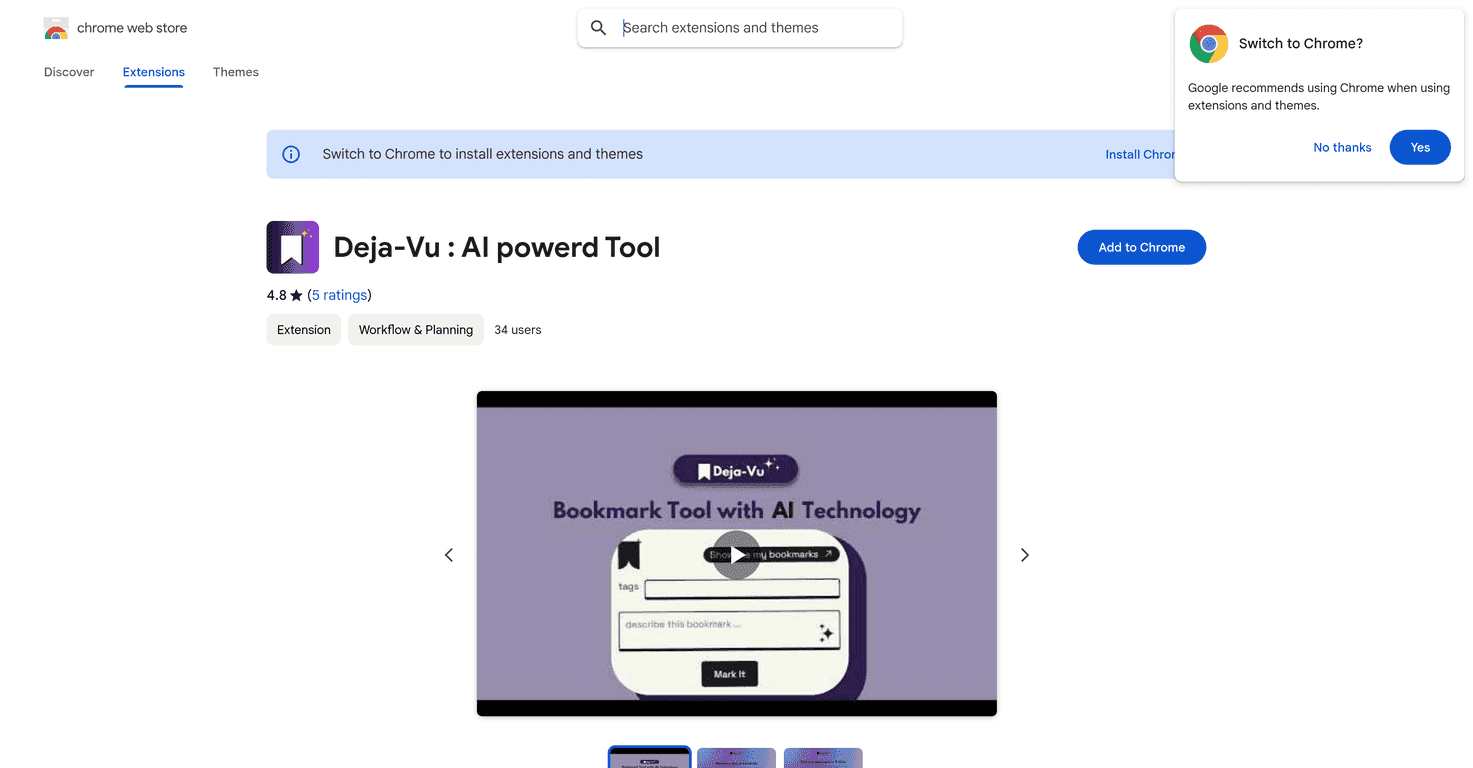
If you’re anything like me, you bookmark stuff constantly… and then a couple weeks later you can’t remember where you saved it. Deja-Vu aims to fix that problem. It’s a Chrome extension that lets you capture links quickly and then find them later with a search that actually feels forgiving. You don’t have to remember the exact title or URL—just type what you vaguely recall.
In my experience, the biggest win is how fast it is to turn “I should save this” into a bookmark you can retrieve. I tested it on a mix of articles, product pages, and a few random resources I found during research sessions. Instead of drowning in a messy bookmarks list, I could search using partial words and even messy descriptions. It’s not magic, but it’s a lot more practical than traditional keyword-only searching.
Here’s the extension: Deja-Vu. Let’s talk about what it does well—and where it might not fit your workflow.
Deja-Vu Review
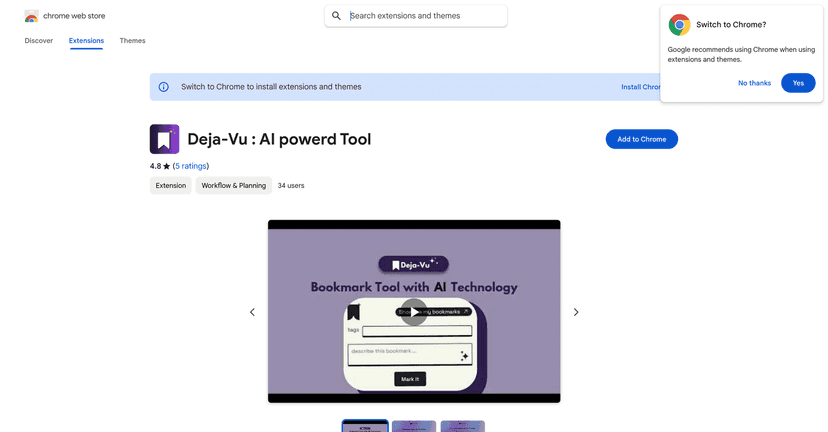
Deja-Vu is built for one thing: making bookmarks easier to capture and—more importantly—easier to find later. If you’ve ever tried to search your bookmarks bar and thought, “Why is this so hard?”, you’ll probably like what Deja-Vu is doing.
When I saved pages, I didn’t have to overthink it. I could bookmark quickly and move on. Then the real test came later: searching. I tried queries like “pricing page,” “email outreach,” and “research notes” even when I wasn’t 100% sure those exact words were on the original page. The results were good enough that I didn’t feel like I needed to keep perfect notes just to locate something.
One thing I appreciated: it encourages a more natural way of organizing. Instead of forcing rigid folders, it leans into tagging and searching so your bookmarks don’t become an unsearchable junk drawer.
Key Features
- Effortless bookmarking — Save links without turning it into a whole project. I found it especially handy for quick reference pages I knew I’d want again later.
- AI-powered search — This is the core feature. You can search using vague terms or partial descriptions instead of needing the exact page title. For example, searching “best tools for…” or “how to write…” often pulls up relevant pages even if your wording isn’t identical.
- User-friendly organization — Tagging and organizing feels straightforward. I didn’t have to fight the UI to keep things tidy, which matters when you’re saving a lot of links in a short session.
Pros and Cons
Pros
- Strong user rating — It’s sitting around 4.8/5 (based on the listing), which lines up with what I saw: it’s simple, and it actually helps with retrieval.
- Faster than manual bookmark hunting — Instead of scrolling through pages of saved links, you can search and get back to work.
- AI improves “remembering” — If you don’t remember the exact title, AI search is a lifesaver. I noticed I was finding pages I otherwise would’ve given up on.
Cons
- Learning curve for search — The AI search is powerful, but you’ll probably need a minute to figure out what kinds of phrases work best for your saved content. At first, I typed super short queries and results weren’t as accurate as when I added a little context.
- Internet dependency — Like many AI-assisted tools, it generally requires an internet connection to work properly. If you’re offline, you won’t get the full experience.
Pricing Plans
The extension is available for free on the Chrome Web Store. If you’re testing it for personal use, that’s a big advantage—you can set it up and see whether the search style matches how you actually remember things.
If you’re deciding whether to install it, I’d suggest trying it for a week and saving, say, 20–50 links. Then search for them later using imperfect memory (“that checklist thing,” “the guide about X,” etc.). That test tells you more than any feature list.
Wrap up
Overall, I like Deja-Vu because it tackles the real pain point with bookmarks: retrieval. The AI search is the standout feature, and in my testing it made it noticeably easier to find pages without obsessing over exact titles or perfect organization. It’s not flawless, and you may need a little time to learn how to phrase searches that work well for your saved content—but if you save links often, it’s genuinely useful.
If you’ve been frustrated by messy bookmark lists, give it a shot. Worst case, you uninstall it. Best case, you stop losing the good stuff you find.
Promote Deja-Vu




