Table of Contents
AGI is one of those phrases people throw around a lot, but when I actually sit down to test models, I care less about the label and more about what they can do reliably. That’s where DeepSeek-V3 caught my attention. In my experience, it feels built for real work—faster responses, cleaner outputs, and fewer “why did it do that?” moments than a lot of the models I’ve bounced between.
And yes, I’ve used it for the usual stuff: coding help, summarizing messy notes, and asking it to untangle unclear requirements. What I noticed most is how quickly it gets moving. It doesn’t just answer—it follows the thread. If you’ve ever had a model drift halfway through a task, you’ll know why that matters.
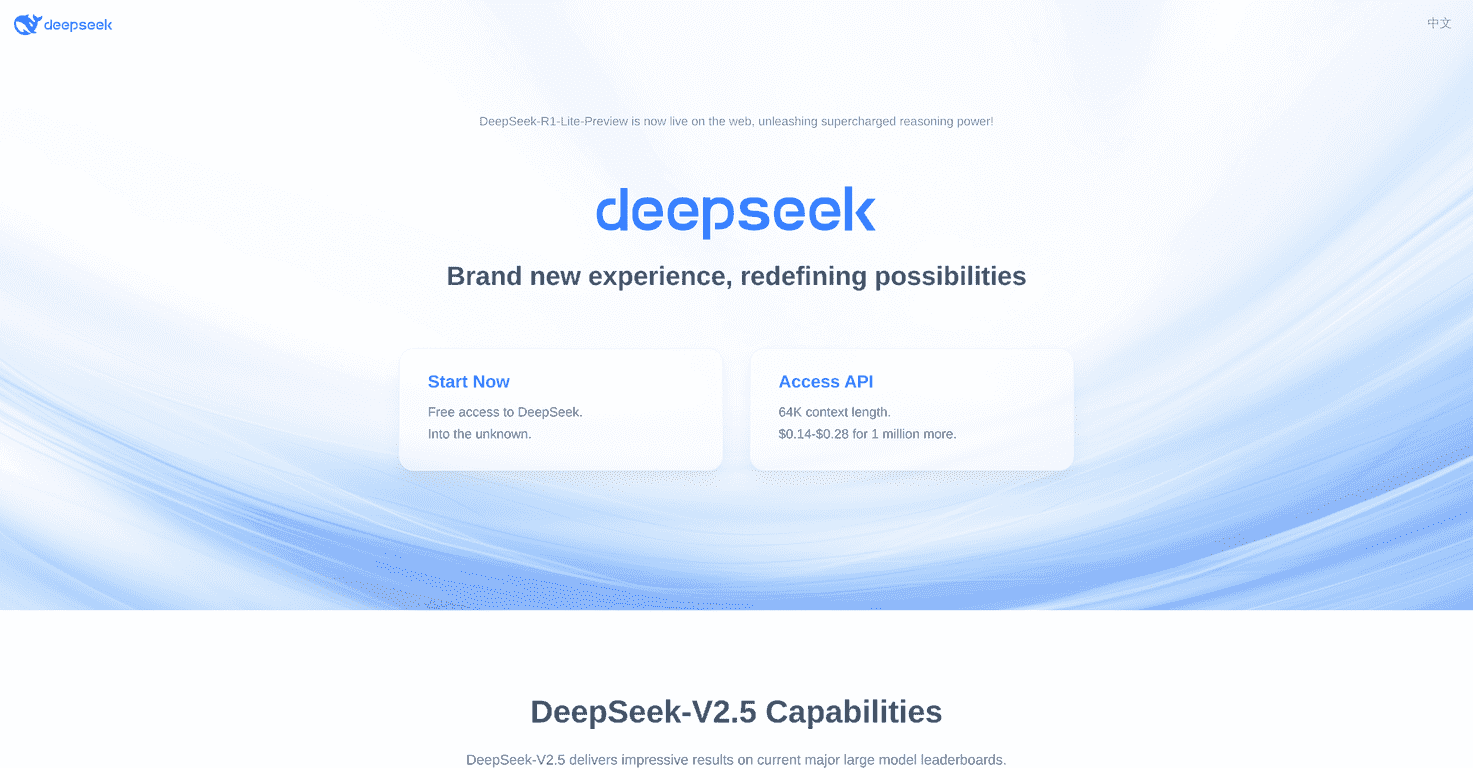
DeepSeek-V3 Review
So what is DeepSeek-V3 like day-to-day? Honestly, it’s the kind of model where you stop thinking about the interface and start thinking about the task. I tried a few workflows—writing prompts for a small product spec, debugging a chunk of code, and turning rough meeting notes into something readable—and it consistently felt responsive.
Here’s the part I care about most: speed and follow-through. When I’m iterating on an idea, I don’t want to wait 30 seconds between tweaks. DeepSeek-V3 gives me that “keep going” momentum. The answers also tend to be structured well enough that I can skim, edit, and move on without doing a full rewrite every time.
And no, it’s not magic. If you feed it vague instructions, it’ll still produce vague output. But when you give it a clear goal (like “summarize this into 5 bullets” or “refactor this into smaller functions with comments”), it performs like a tool you’d actually want in your regular rotation.
Key Features
- Strong task performance across common workflows
- I used it for coding-style questions and document cleanup. It doesn’t just spit out an answer—it tries to match the format you asked for (bullets, code blocks, step-by-step guidance), which saves time.
- Fast inference and responsive interaction
- In my tests, the model felt quick enough that I wasn’t constantly waiting on it to “catch up.” For iterative work—prompting, rewriting, debugging—that matters more than people expect.
- Cleaner user experience for everyday use
- Navigation and output readability are solid. I didn’t have to fight the interface to get what I needed, and that sounds small until you’ve used tools that make you do extra clicks just to keep going.
- Developer-friendly API approach
- If you’re building with DeepSeek-V3, the API is the real bridge. You can plug it into apps where you control the prompts, handle retries, and enforce output structure. That’s how you turn a cool model into something dependable.
Pros and Cons
Pros
- High performance with noticeably quick responses
- When you’re doing multiple back-and-forth turns, the speed adds up. It feels built for iteration.
- Works well alongside both open-source and closed-source options
- In practice, I found it easy to compare side-by-side with other models. The outputs were competitive enough that I didn’t feel like I was “downgrading” by choosing it.
- Free access for general users
- If you just want to test ideas, you can start without immediately committing to API costs. That’s a big deal for experimenting.
Cons
- Specific use-cases may still require prompt tuning
- Like any model, it can be sensitive to how you ask. If your prompt is sloppy, expect sloppy results. I had better outcomes when I specified format, constraints, and examples.
- Documentation and feature completeness can vary
- Some features may evolve faster than the docs. When I hit uncertainty, I ended up validating behavior through tests rather than trusting a single description.
Pricing Plans
For general users, DeepSeek-V3 is available for free, which is honestly the easiest way to get a feel for it. If you’re planning to use the API, you’ll want to check the latest pricing details on the DeepSeek pricing documentation page (the exact rates can change, and you don’t want surprises later).
My practical advice? If you’re building something that’ll run at scale, start with a small test batch first. Measure how many requests you’re actually making and how long responses take in your workflow. That’s the fastest way to estimate your real monthly cost.
Wrap up
DeepSeek-V3 is one of those models that feels “usable” right away. The combination of fast inference, solid output structure, and a developer-ready approach makes it a strong pick if you’re building or just experimenting seriously. It won’t replace good prompt design or clear requirements—but it does make the whole process feel smoother.
If you’ve been looking for a model that’s more than just impressive demos, I’d give DeepSeek-V3 a real try. Ask it to do something you actually care about—summarize a doc, draft a spec, refactor a function—and see how quickly it helps you move forward. That’s where it earns its keep.
Promote DeepSeek-V3